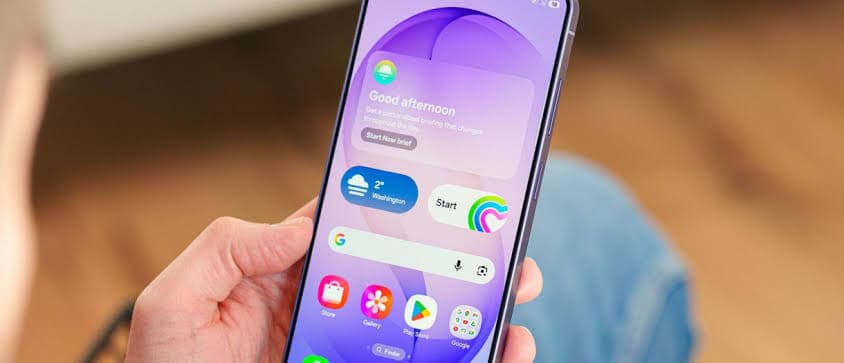
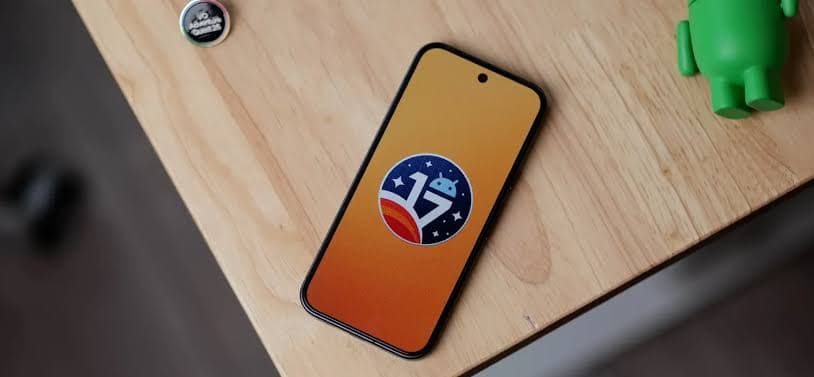
Samsung has begun rolling out the stable One UI 9.0 update for its Galaxy A55 smartphone in India. The update brings Android 17, new customizations, and a smarter Bixby experience.
Samsung has started rolling out the stable One UI 9.0 update for its Galaxy A55 smartphone to users in India. This update, which brings Android 17 along with several new features, follows an initial release in South Korea last week, according to SamMobile.
Currently, the One UI 9.0 update is reaching Indian users who had enrolled their Galaxy A55 devices in the beta program. Users who did not participate in the beta program can expect the update to be released later today, potentially with a larger download size than the beta version.
What's New with One UI 9.0 and Android 17?
The new software package includes Android 17, bringing its associated under-the-hood improvements. Beyond the core Android advancements, One UI 9.0 also introduces more customization options for users. A notable addition is a smarter Bixby, alongside other unspecified enhancements that aim to improve the overall user experience on the Galaxy A55.
Firmware Details and How to Update Your Galaxy A55
The stable One UI 9.0 update for beta users carries the firmware version A556EXXUIEZJ1. The download size for these users is over 300 MB. SamMobile reports that the update could also reach more international markets, including Europe and the US, in the coming days.
If you own a Galaxy A55 in India and want to check for the update, here's how you can do it:
- Open the Settings app on your phone.
- Scroll down and tap on Software update.
- Select Check for updates.
Once the update is available, it will begin downloading automatically. Before starting the installation process, make sure your device has at least a 30% battery charge left. After the download is complete, tap the "Restart now" button and wait for your phone to reboot to complete the installation.