Vivo and iQOO are pushing out the Android 17-based OriginOS 7 update to eligible devices, with some models receiving it by the end of October 2026. The new OS focuses on design refinements, multitasking, and AI productivity.
Vivo and iQOO have begun rolling out their latest Android 17-based custom skin, OriginOS 7, with a strong emphasis on intricate details, multitasking, and AI productivity. The update, which first debuted in China on September 16th, 2026, has seen its global launch on September 22nd, bringing a host of enhancements to eligible smartphones.
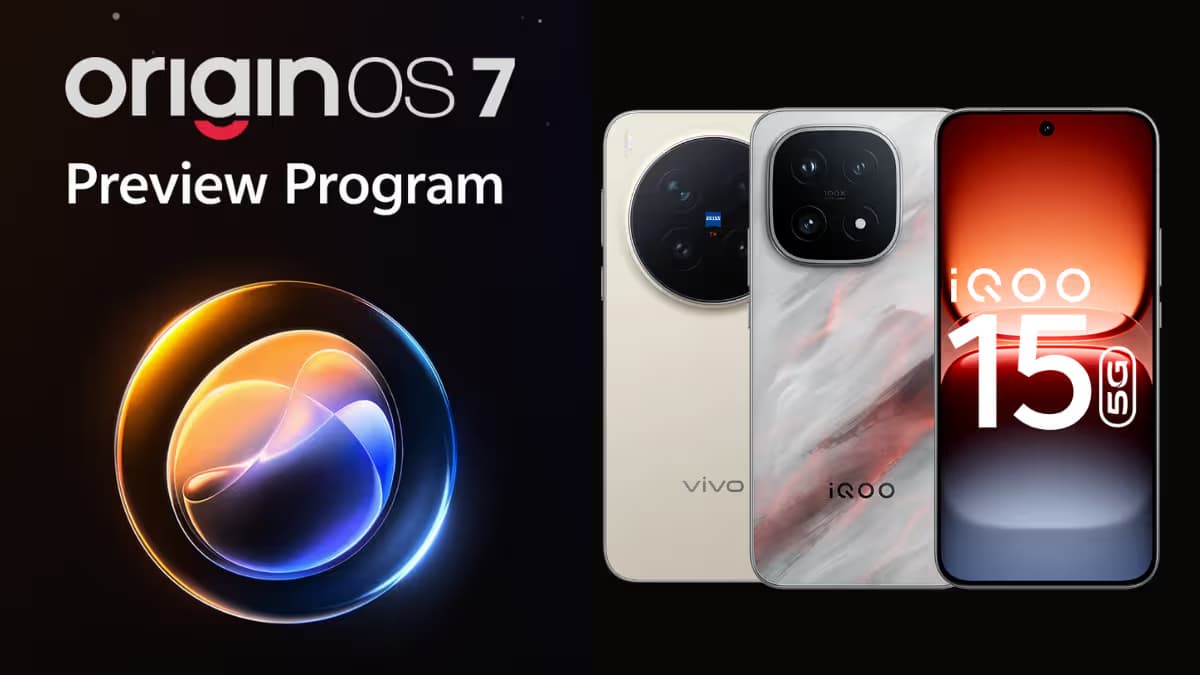
For Indian users, the good news is that the OriginOS 7 Preview Program, an open beta, went live in the region on September 16th for the Vivo X300 Pro and iQOO 15. This allowed early adopters to experience the new software ahead of the stable release.
OriginOS 7 Stable Rollout Timeline
Vivo officially unveiled the release schedule for its devices on October 6th, followed shortly by a similar timeline for iQOO devices. Several new smartphones, including the Vivo V80 and Vivo X Fold 6, already ship with OriginOS 7 and Android 17 pre-installed.
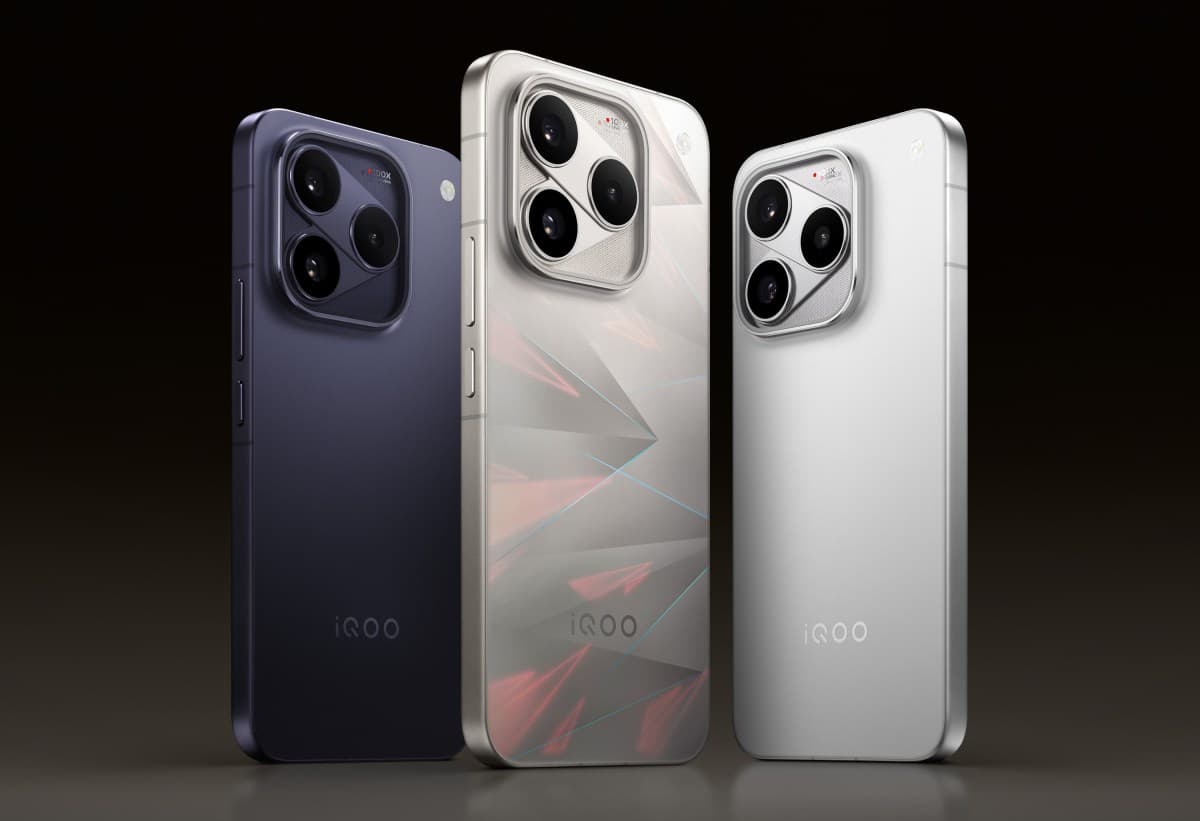
For existing users, the stable OriginOS 7 update is promised to reach the entire Vivo X300 series, Vivo X Fold 5, and iQOO 15 by the end of October 2026. While an update timeline for other iQOO devices was also released, specific models slated for the next few months were not detailed in the available information.
What OriginOS 7 Brings to Your Device
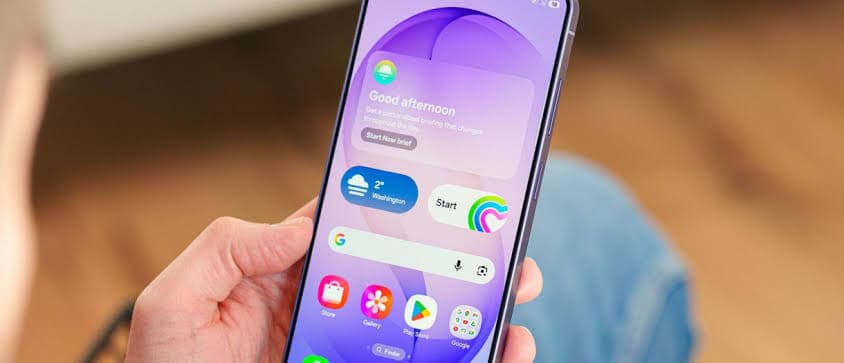
OriginOS 7 introduces a significant refresh to personalisation and overall system fluidity. While it may not feel as dramatic an overhaul as OriginOS 6 did for many users, its focus on refinement and user control is clear.
- Enhanced Personalisation: Expect interactive themes like Wiggle, Glint, and Pet Pals that react dynamically to touch and motion. The update also brings StickIt system stickers and granular control over interface aesthetics with three-level transparency and glass UI controls.
- Origin Workbench: This dedicated workspace allows users to keep up to five active tabs open simultaneously. Its fluid animations and instant tab-switching aim to make multi-app workflows more effortless. Tabs can be displayed vertically on the left or horizontally at the top.
- AI-Powered Apps: Major upgrades are coming to the Notes and Recorder apps, integrating new AI tools. There's also an improved PDF reader and an AI Search feature for smarter content discovery.
- Smoother Performance & Security: Under-the-hood optimisations ensure a faster, safer system. The Origin Smooth Engine promises smoother animations, complemented by enhanced security features.
Based on the spec sheet, OriginOS 7's design, with its glass and luminous effects, combined with overall smoothness and extensive customisation options, appears to hold its own against rivals like ColorOS 17 and HyperOS 4.
Feature Availability and Downgrade Notes
It is important to remember that feature availability can vary depending on your specific device model, region, and hardware capabilities. For example, high-end Vivo X series devices may support advanced blur textures and details that might not be available on entry-level or midrange Vivo T or V series phones. Similarly, certain AI features could be limited to premium smartphones.
Regarding downgrading, Vivo and iQOO did not offer an official method to revert from OriginOS 6 to Android 15, and the same is likely true for OriginOS 7 to Android 16. However, if you encounter significant issues, a visit to a Vivo or iQOO service centre might provide assistance.
How to Update Your Vivo or iQOO Device
When the OriginOS 7 update is pushed to your device, here are the steps you can follow to check and install it:
- Go to your device's Settings app.
- Tap on System update.
- The system will check for available updates.
- If OriginOS 7 is available, the update will begin downloading, and your device will shortly reboot into the new software.